Events
Create and manage shop events shown on the platform, from Admin → Events.
What events are
An event belongs to one shop and shows up in the platform's events listings — a pop-up sale, a workshop, a market appearance, and so on.
Creating and editing events works exactly like the artisan events guide — the admin difference is the Select Shop field in the event form, which lists every shop on the platform instead of just one you own, so you can create or edit an event for any shop.
Where to find it
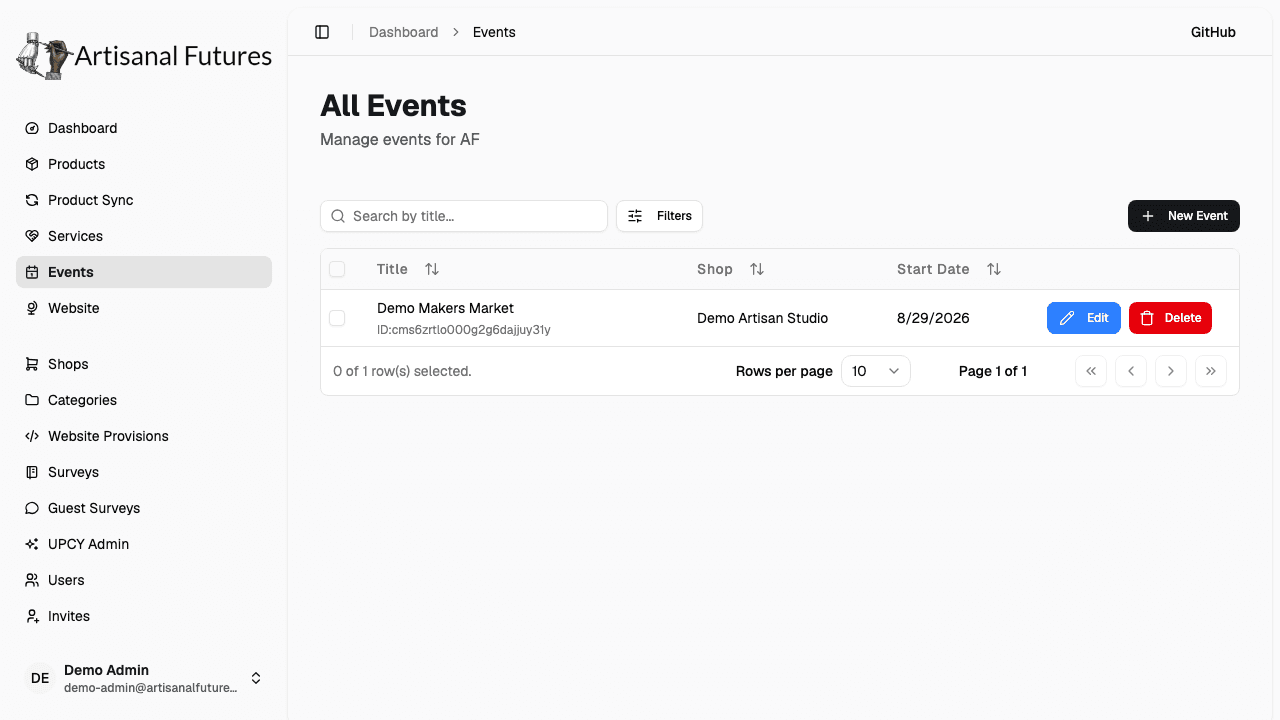
Go to Events in the admin sidebar (/admin/events).
Admin vs. artisan visibility
This page is shared: it also appears in an Artisan's sidebar, but scoped differently.
- Admins see and can manage every event on the platform, for any shop.
- Artisans only see and can manage events for shops they own.
Creating, editing, and deleting events
The event form and its fields, plus editing and deleting, are documented in the artisan events guide — the steps are identical. The admin-specific differences:
- The Select Shop field in the form lists every shop on the platform, so you can create or edit an event for any shop.
- From the table you can select multiple rows and use the bulk Delete action.
Deleting an event is permanent and can't be undone. Shop scoping is enforced on the server — an artisan acting on another shop's event is rejected regardless of what the UI shows.